
Diving Into The Real Basics Of Design Systems 🚀
Design systems are always a hot topic 🔥
 By Furquan Ahmad · July 1, 2022
Originally sent in my Ready Set Grow newsletter
Hi Reader,
In this newsletter we’re going to talk about some common questions when it comes to design systems.
What is a design system?
Put simply a design system is a set of reusable components following a common set of rules and design tokens with the aim to help build more consistent apps.
They serve as a reference for visual design information like spacing, typography, colours that can be used across your entire team and organisation. Not just design. They serve as a common ground between cross-functional teams of engineers, designers, product managers, marketing etc... Making it easier for them to work together.
Design Tooling Making It Simpler
Before advanced tooling people would be sharing local UI kits over the cloud, where you could be using outdated components. This could cause a lot of problems with consistency across bigger teams, people not using the same components, colours or spacing, outdated components. But with the advance of design tooling, we’ve seen a big push for design systems, the rise of bringing design and engineering together.
Educating Your Teams About Your System
It's our duty to teach people the rationale and intended use of your design system. Don't just rely on a document. Set up a weekly office hours slot, showcase the new components that are upcoming to onboard your teams. It allows people to ask questions and learn how you’ve intended for people to craft and use your components.
Keeping A Design System Up To Date?
There's a lot of shiny new Figma updates changing the way you can build components. Ask the question, do we need to update the system right now? Take your time with Figma updates. Think in advance what new components you want to add, as you're at risk of breaking existing components and hindering productivity.
Think, what impact does this design system have in real time on current designers’ projects? Will it slow them down and hinder productivity? You're going to run into the risk of reliability and breaking things, if you want to test out new updates and components create a separate branch and test locally.
Push for new components
Design systems should be fluid, we should be looking for new ways to push for components. Using existing patterns is great, but don’t let that discourage you from pushing some creative ideas. Have that quarterly hack day where you push for new components. Don’t get too emotionally attached to your designs, be as creative as possible.
Hindering creativity
Personally I’ve felt like if I’m rushing to create a solution, with such an established design system, it feels like I go to the design system and I’m piecing bits of a puzzle together. However, the system should be coming in at the end of the process. The creativity comes first, then the system.
A habit I should change
I know with such a big design system at Meta there’s already going to be an existing component for what I’m trying to do. It’s way quicker and more efficient for me to find this component and drag it in. Allowing me to then unblock engineering or get to research quicker.
However I know I should be pushing for more innovative solutions and testing the limits, suggesting new components and ways of doing things. But when you’ve only got limited time, you’re even more reliant on your design system.

The Basics Of Design Systems Explained With Luis Ouriach
In this video we explore the simplest ways to create a UX design portfolio in 2022.
We explore a range of solutions that all require no coding, to allow you to focus on creating the content on your portfolio. The stuff that really matters.
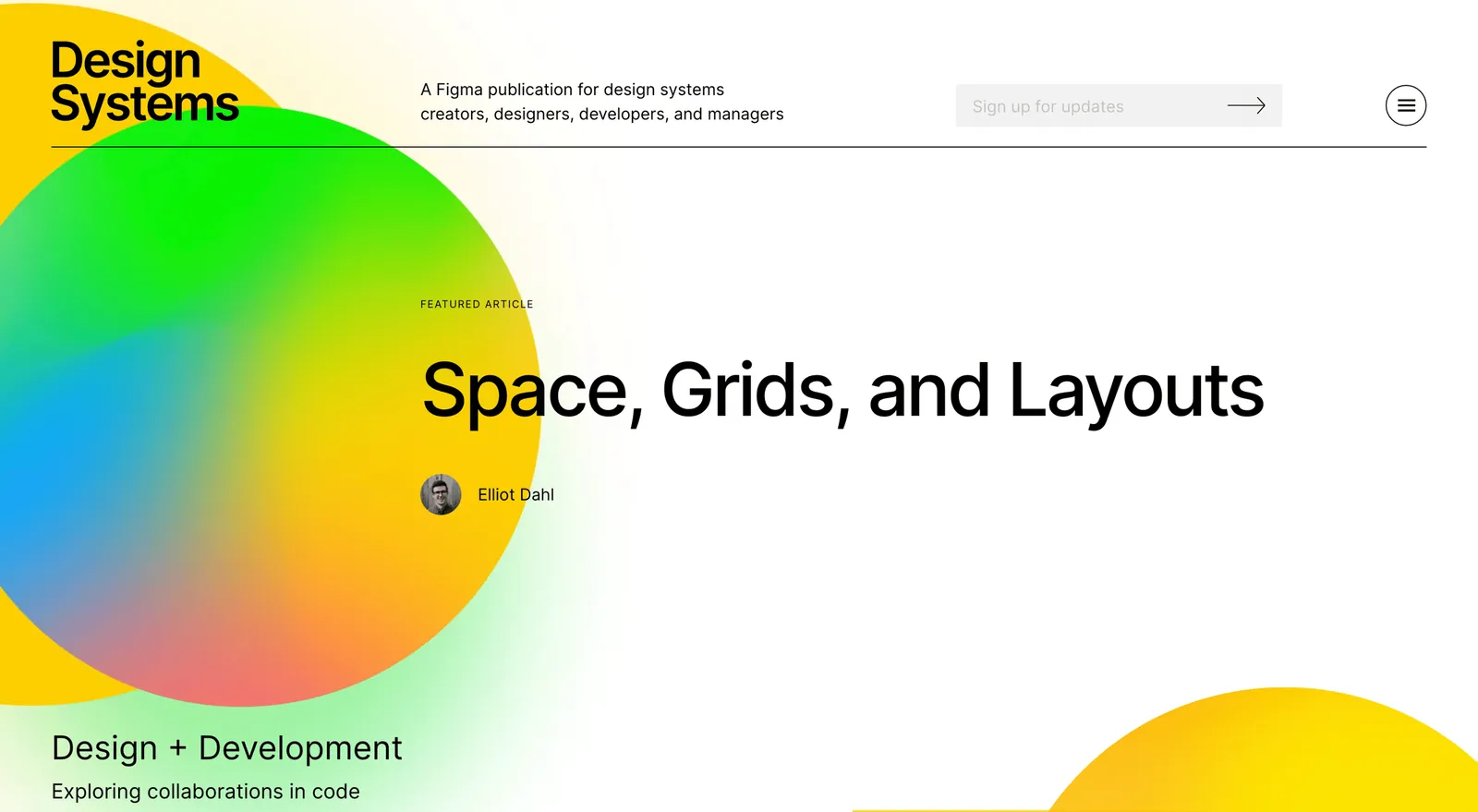
How Are Other People Implementing Design Systems?
I feel like Figma should be plugging this resource a lot more. It’s a central learning place, all about design systems.
You can read endless valuable blog posts, see open source Figma resources from other companies and authors who’ve implemented design systems at small and large scale companies. A lot to learn here.

How To Set Up Your Design File For Good Quality Feedback
In this video I walk through a really simple and easy way to set up your Figma design file for good quality feedback.
An essential part to improve and iterate on your design is asking for feedback from other XFN partners. But you need good quality feedback. This lightweight framework can help make this a lot easier to do.